Kirkify AI
Creaciones recientes
Historial de generacionesTus imágenes generadas aparecerán aquí.
Empieza con un estilo que te guste
Elige un prompt y personalízalo. Tus creaciones aparecerán aquí.
Inspiración ilustrativa, no un resultado verificado del modelo. Los resultados varían.Inicia sesión para ver el historialGuía detallada en inglés
AI Image Generator — Text to Image
Start with a social post, landscape cover or square avatar. Describe one subject, its setting, lighting and style; leave space for any text you plan to add afterwards.
Cómo usarlo
- Write a subject and visual direction, or edit an example prompt.
- Choose a model, aspect ratio, quantity and supported resolution; review the displayed cost.
- Generate, check the result in history and download your chosen draft.
Preguntas frecuentes
Can I write prompts in Chinese?
Yes. English and Chinese prompts are supported. Keep the subject, composition and style specific; results vary by model.
Is every generation free?
No. Generation uses credits according to the selected model and settings. Check Pricing for current trial eligibility and the generate button for the actual cost.
Can I edit an existing picture here?
Yes, when the selected model supports reference images. You can also use Image to Image for a dedicated editing workflow. AI output may change text or details; review the result before use.
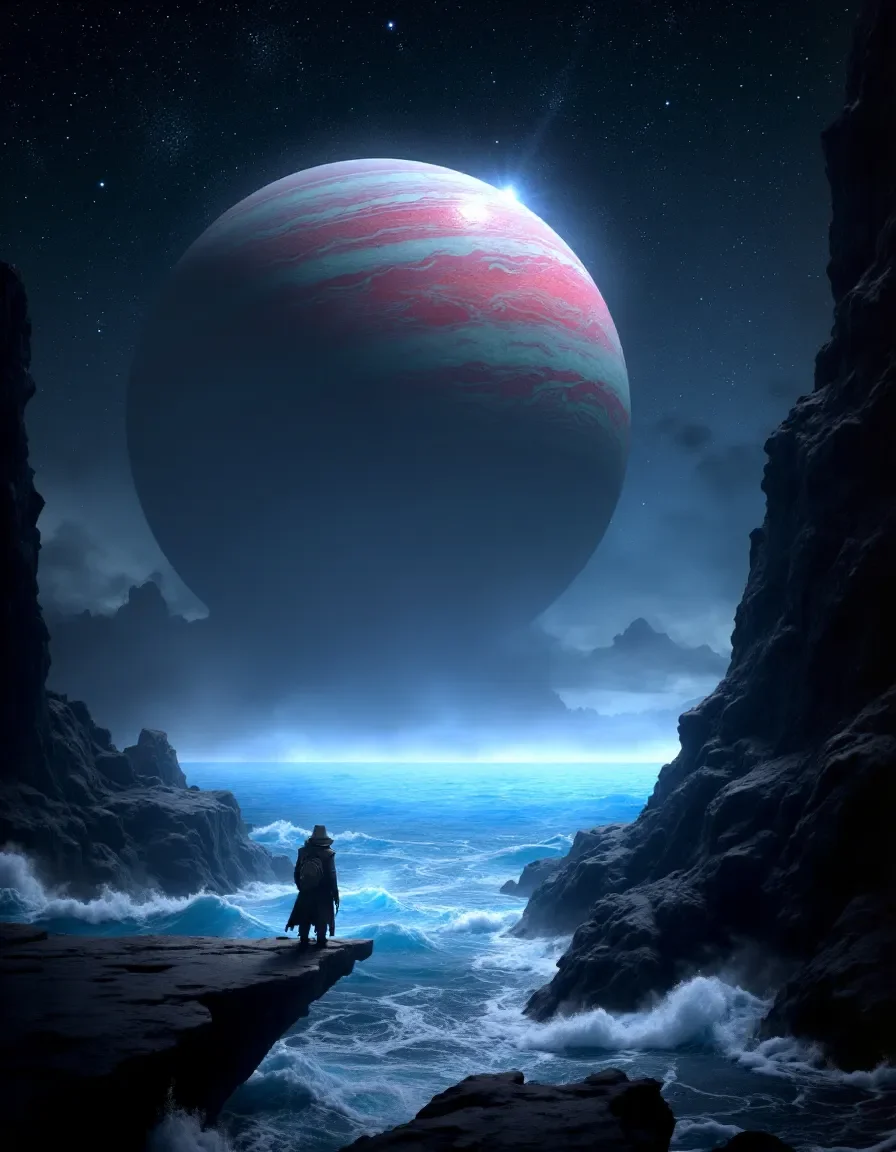
Start with these practice images
Openly licensed AI references from Mage, not results from this tool. Downloads cost no credits; AI processing requires separate confirmation.
Practice input reference, not a result from this tool.
Download practice image ↓ · Mage · CC0 ↗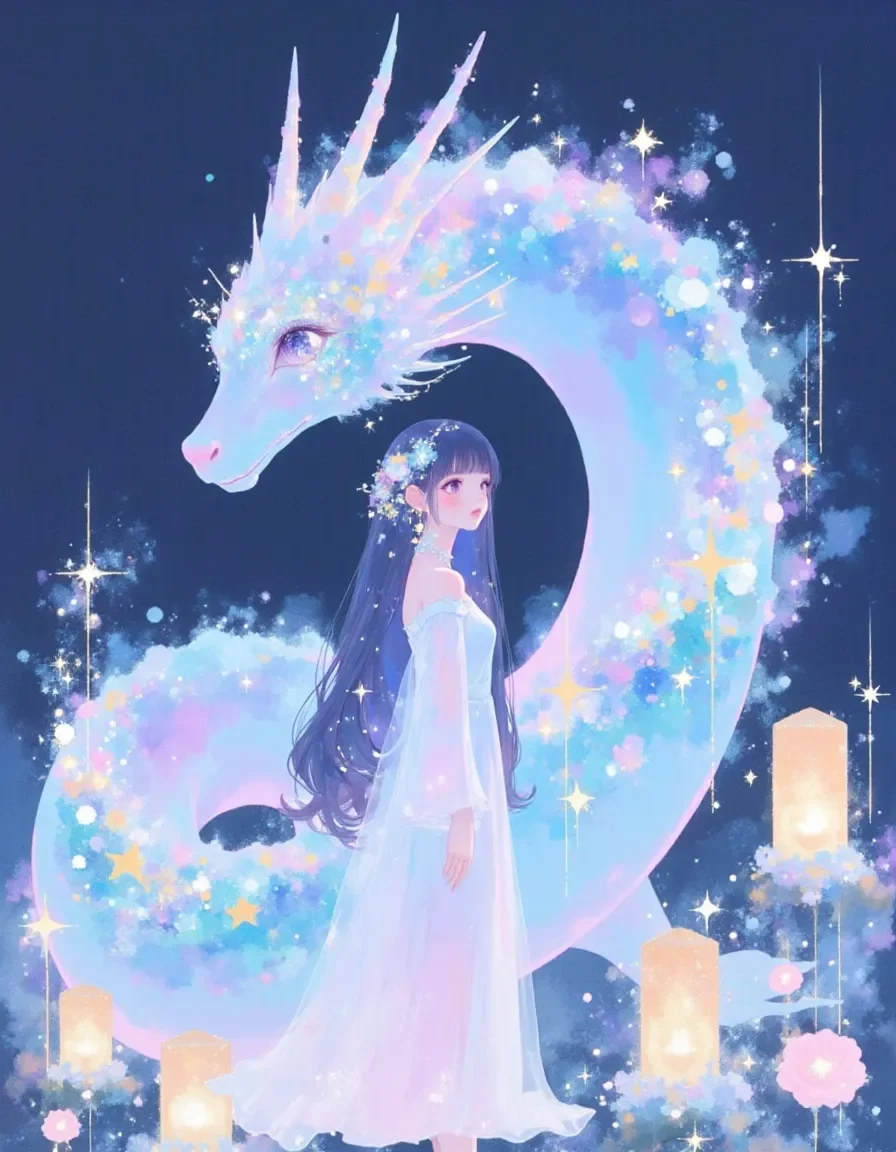
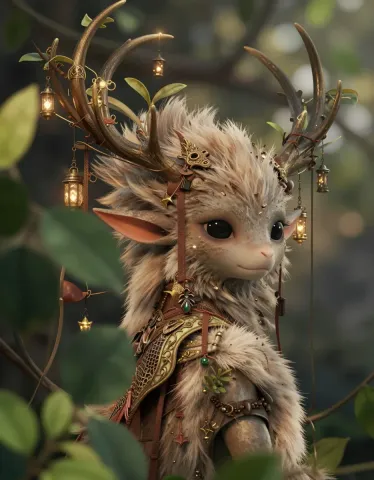
Practice input reference, not a result from this tool.
Download practice image ↓ · Mage · CC0 ↗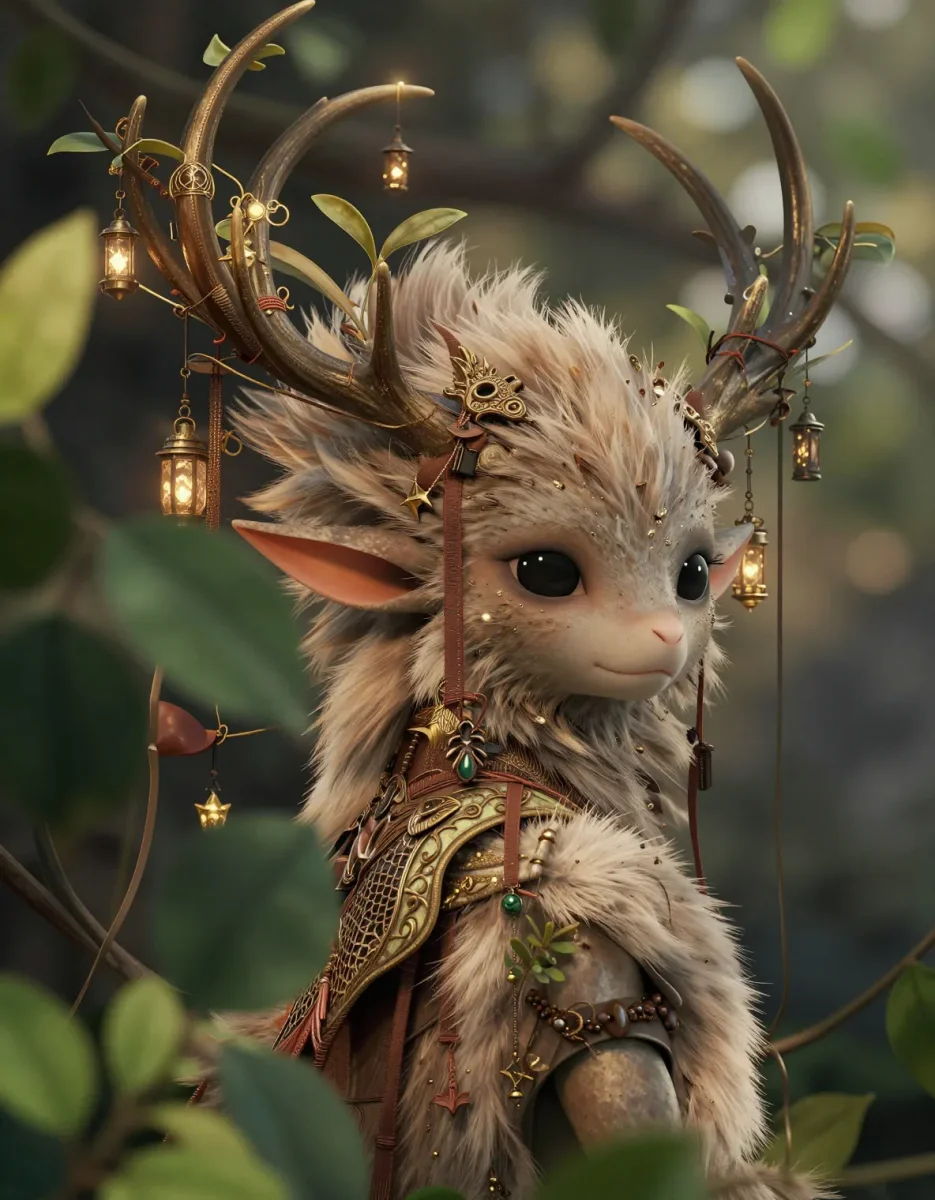
Practice input reference, not a result from this tool.
Download practice image ↓ · Mage · CC0 ↗