 Kirkify AI
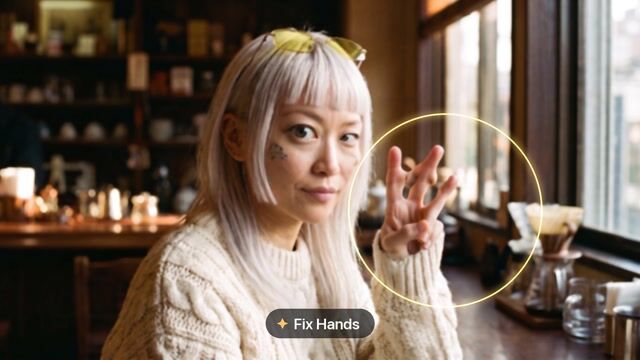
AI Refine
Refine color, texture and visual style with a preset or your own brief.
Tool runner
PrivateChoose an image to get started.
Preview & result
Your next creation starts here
Upload your image and adjust the settings. Your result will appear here.
Upload an image to get started. The original stays unchanged.
AI Image Refinement — Adjust Color, Texture and Style
Refine image colors, textures and visual style with a text prompt. Use a reference photo and a specific editing brief, then compare the generated draft.
Refine color, texture and visual style with a preset or your own brief. Select a starting preset, then tailor the brief to your image.
How to use it
- Upload an image you are authorized to edit.
- Choose a preset and edit the brief; review the displayed credit cost.
- Generate, compare the result with your reference and download the selected output.
Frequently asked questions
How do I refine a photo with a text prompt?
Specify a limited change such as softer colors or a different surface texture. Refine is creative editing; use Image Enhancer when the goal is conservative blur or noise reduction.
Can I write my own edit?
Yes. A preset fills an editable brief; changing the text changes the requested edit. Specify what must remain unchanged.
Are the gallery examples our verified results?
No. Externally sourced reference demonstrations are labeled with their source. Your result depends on the input and the model used by this tool.
Files, privacy and results
Sign in and confirm image permissions before processing. Images are sent to the AI service; results are private by default. AI can change details and does not guarantee exact text, logos or identity. Review every result.