 Kirkify AI
AI Image Tool Tutorials & Blog
Blog & tool guides
From creating and editing to exporting: practical workflows, prompt examples and result checks.

AI Video Kaise Banaen? Text aur Photo se Video Banane ka Tarika
AI video kaise banaen: text ya photo se video banane ke steps, ready prompts, mobile workflow aur credits ki jankari. Beginners ke liye Hindi guide.
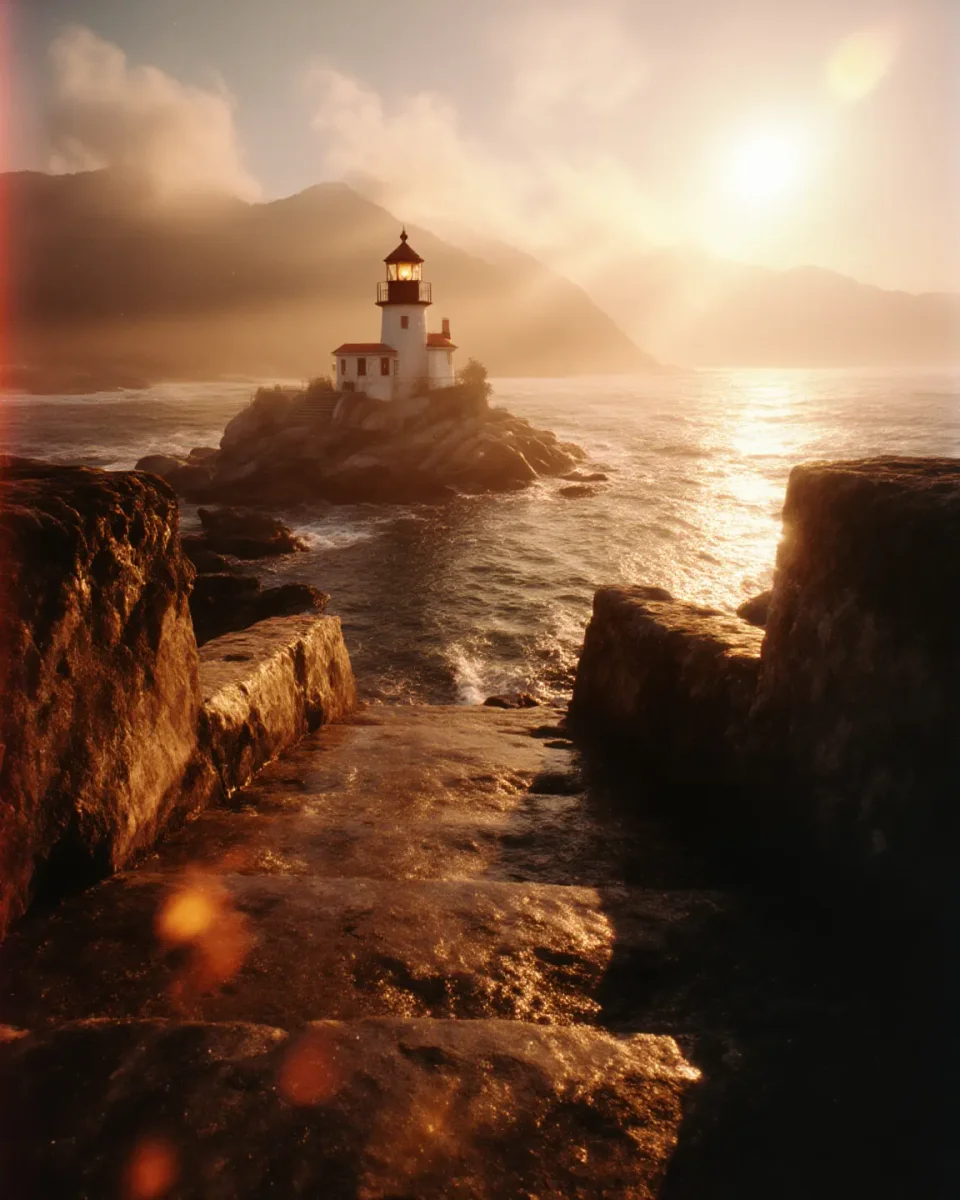
AI Image Extender: change the frame without stretching
Use AI Image Extender to adapt a picture to a new aspect ratio. Compare outpainting, cropping and resizing, and check generated borders before using the result.

AI Image Generator: prompts for avatars, covers and posts
Write clear AI image prompts for original avatars, landscape covers and social posts. Choose aspect ratios and model settings, then review output before reuse.
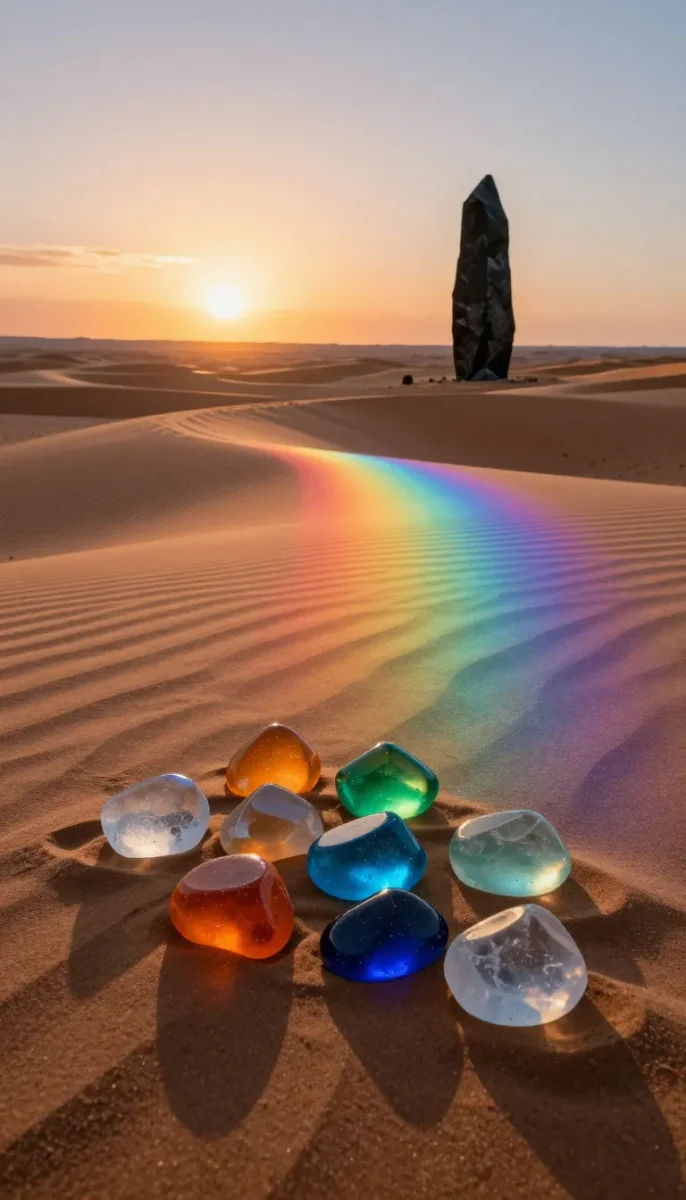
AI Product Photo Editor: write a useful scene brief
Create product-scene drafts with AI Product Photo Editor and AI Background Generator. Write a focused brief and check labels, shape, shadows and product accuracy.
AI social cover images: prompts, text space and aspect ratios
Create cleaner social covers with AI Image Generator and Image Extender. Plan negative space, add accurate text separately and export without stretching.
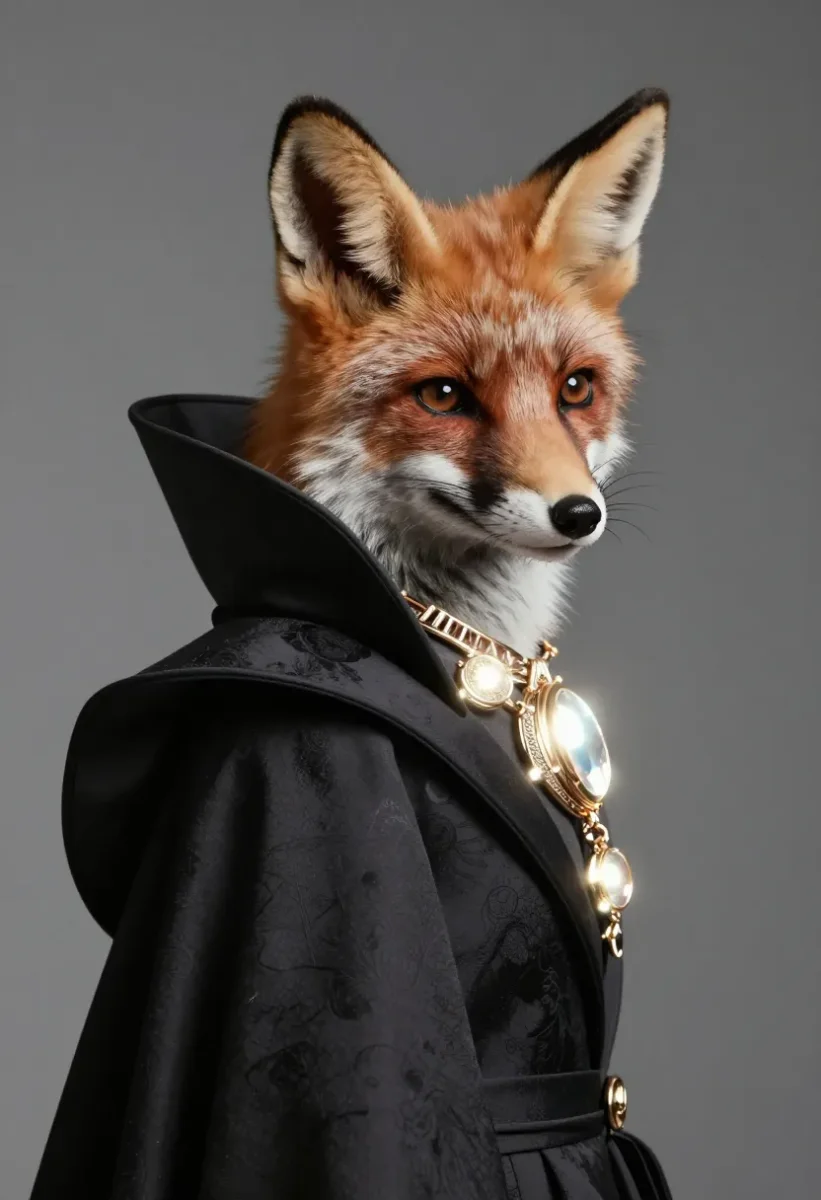
Background Remover: transparent PNG or white background?
Learn when to use Background Remover, Transparent Background or White Background, how to inspect cutout edges, and which format to export.
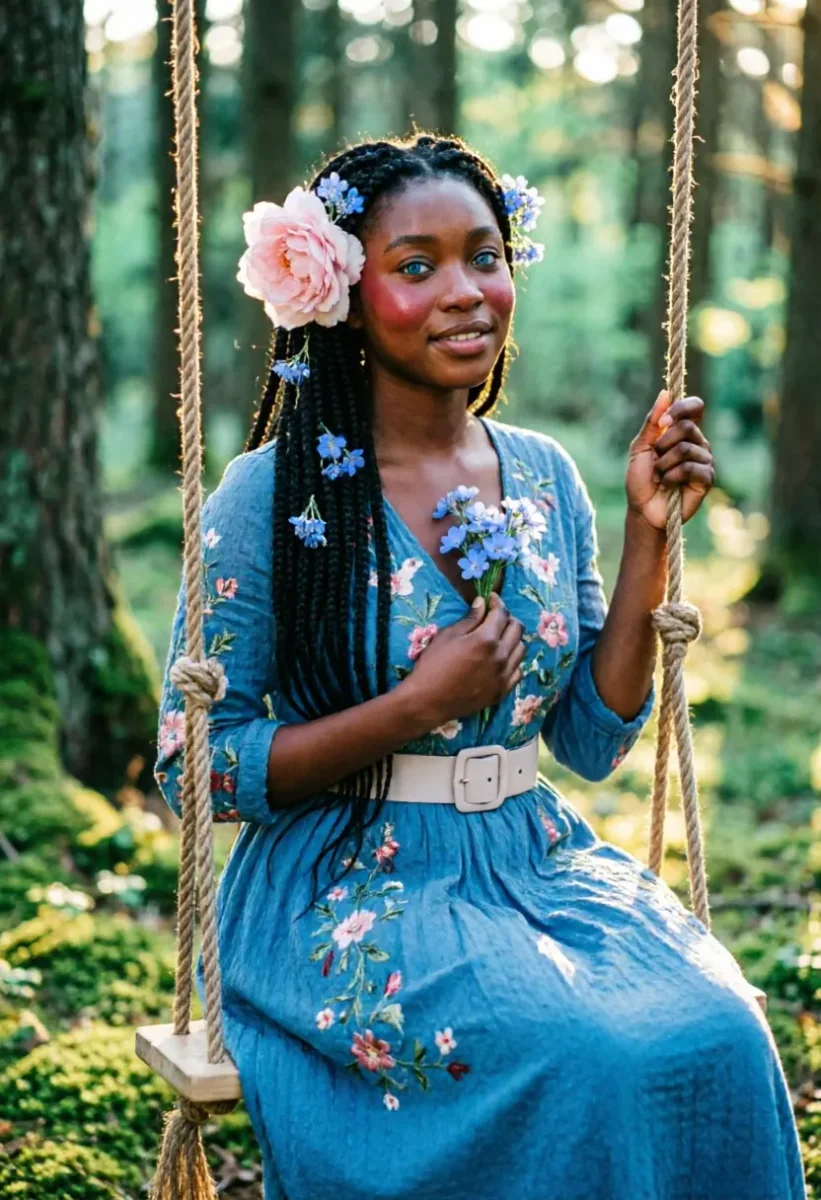
Big Smile Filter: prepare a photo for a reaction image
Use Big Smile Filter for an exaggerated still-image expression. Choose a clear source, review single or group-face results and understand privacy and identity limits.
Product photo workflow: background removal, resizing and compression
Prepare consistent ecommerce images with Background Remover, White Background, Image Resizer and Image Compressor, without losing product details.
Image Resizer, Compressor and Converter: the right order
Resize images without stretching, reduce file size and choose PNG, JPEG or WebP. A practical browser-based workflow using Kirkify image utilities.
Image to Prompt and Image to Image: a reference workflow
Turn a reference into an editable description with Image to Prompt, then guide a new version with Image to Image. Learn what these tools can and cannot preserve.
Image to video prompts: animate a photo with controlled motion
Plan image-to-video jobs with a clear reference, one subject action and a restrained camera move. Learn what to check before spending credits and exporting.
Image Upscaler vs Image Enhancer: which should you use?
Compare AI image upscaling, photo enhancement and ordinary resizing. Learn how to inspect reconstructed detail without mistaking it for recovered information.
Magic Eraser and Object Remover: paint a better mask
Remove image distractions with Magic Eraser or Object Remover. Learn how masks, shadows and edges affect the result, and when not to use generative cleanup.
Transparent PNG troubleshooting: white boxes, halos and missing edges
Fix common Background Remover export problems: distinguish real PNG transparency from a checkerboard, inspect halos and avoid flattening to JPEG.
What is Kirkify AI? Your creative AI toolkit
Create images and videos, enhance photos and explore AI tools in one workspace.