Kirkify AI
AI Video Generator
Start with text or a reference imageCreate a video
— creditsFailed generations return credits. Track progress in your history.
Options vary by model. Closing this page does not cancel a task.Creation history
All history ↗Your generated videos will appear here. Only you can see them unless you publish.
Choose the right video model
Choose a model for your scene, references, duration and audio requirements. Compare Muse, Grok, PixVerse, Seedance, Veo, Kling and Sora with your own brief. Quality and generation time vary.
Variable-duration Gemini Omni and Kling motion-control modes remain unavailable until their media validation and billing are verified. Video editing and extension are not included in this release.
Create an AI image instead →AI Video Generator — Text & Image to Video
Generate short AI videos from text or reference images. Choose a supported video model, duration and aspect ratio for social clips and moving visuals.
Plan a single action for a social clip or a moving cover. For example: an orange cat watches rain by a window while the camera slowly moves closer.
How to use it
- Describe the subject, action, scene and camera movement.
- Select a model; add a reference only if supported, then review duration, ratio and credits.
- Generate and review the motion and visual details in creation history before downloading.
Frequently asked questions
How do I create a short AI video from text?
Describe one subject, one action and the camera movement. Choose the model and supported duration, review credits and generate. Use Image to Video when an existing photo should guide the scene.
Can I animate my own image?
Use a model that supports reference images and an image you have permission to use. Available reference counts and settings vary by model.
Will my video appear in Explore automatically?
No. Results are private by default. Public display requires your sharing request and approval. A processing task is not a completed or failed task.
Which video model is best?
Compare the supported duration, resolution, reference input and cost for your shot. No model guarantees exact motion, consistent faces or a fixed completion time.
Start with these practice images
Openly licensed AI references, not results from this tool. Downloads cost no credits; AI processing requires separate confirmation.
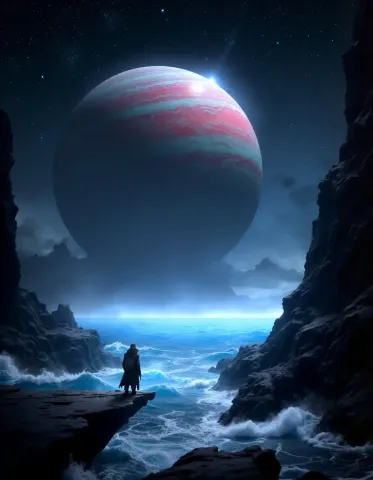
Practice input reference, not a result from this tool.
Download practice image ↓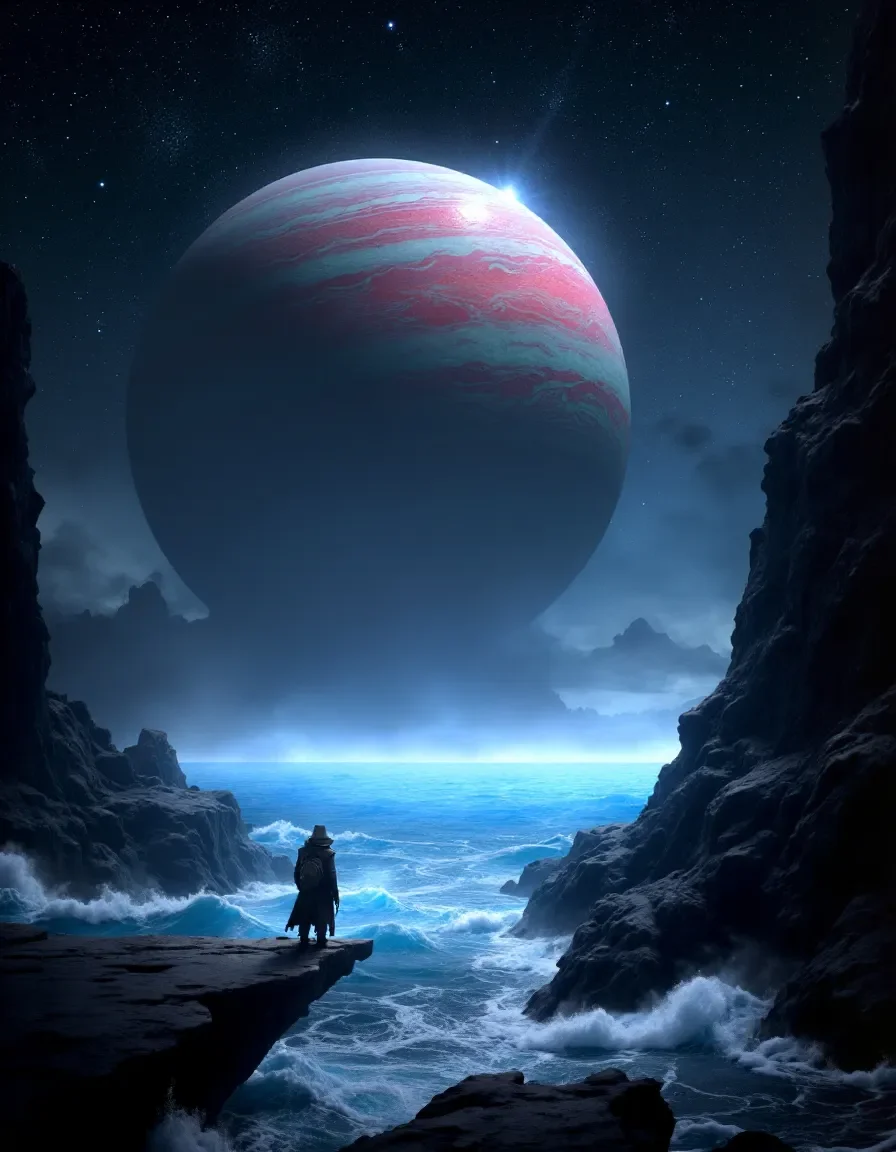
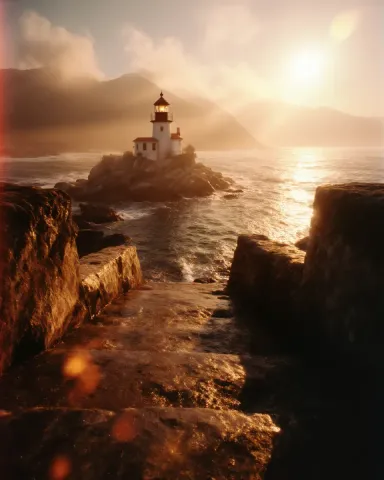
Practice input reference, not a result from this tool.
Download practice image ↓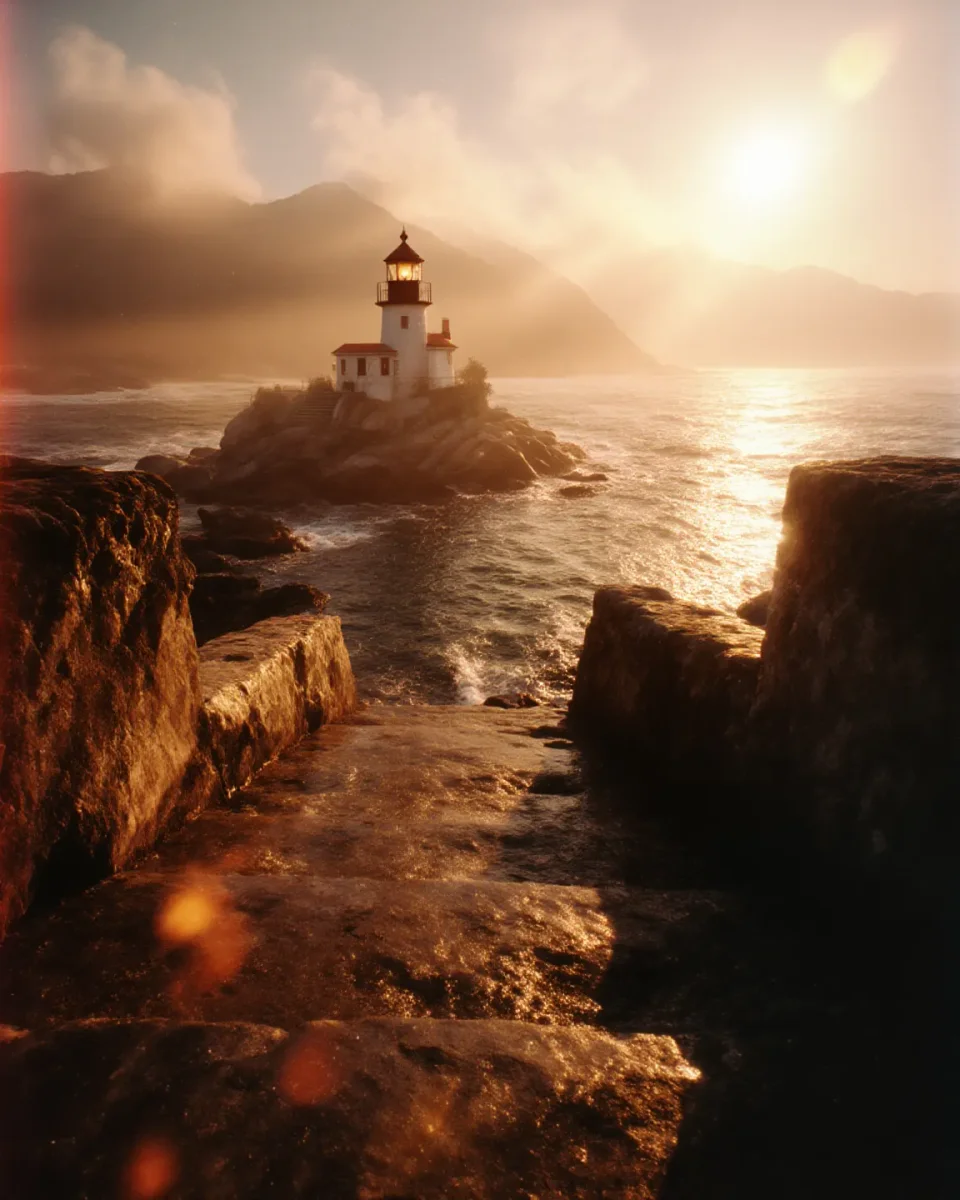
Practice input reference, not a result from this tool.
Download practice image ↓